
- Joined
- Dec 16, 2019
Many a young lad and lass my age grew up in the heyday of Disney Animation, or got to bask in its glory with the onset of the DVD becoming bigger than sliced bread. For your humble plane avatar however, one movie stood out from The Lion King, Mulan, and many more. That movie was Treasure Planet.
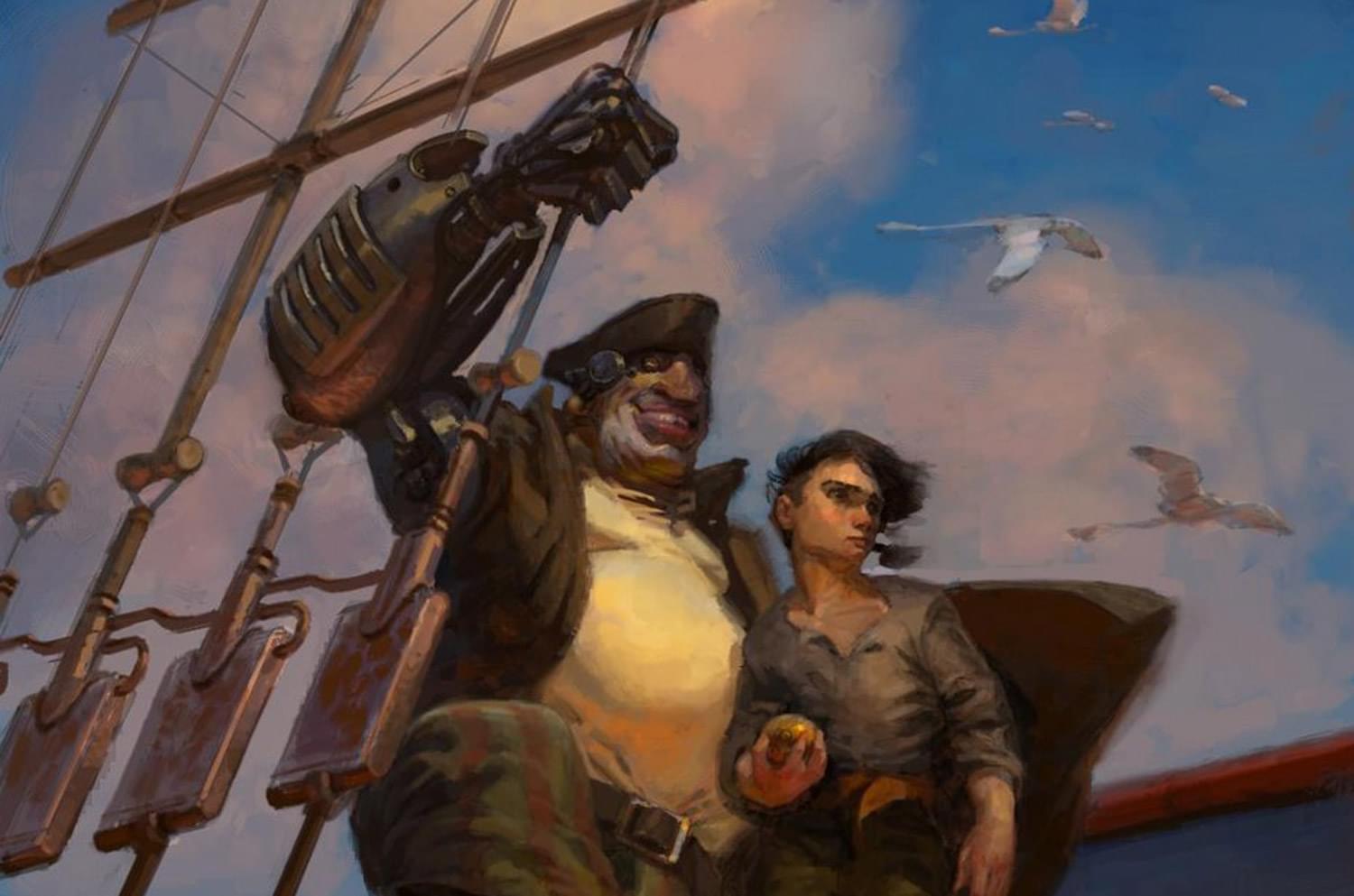
An adaption of Treasure Island in a space setting, while it may have failed at the box office, it won my heart, and the hearts of a smaller, but dedicated fanbase in the Disney fan community/cult. For the most part, people don't really remember Treasure Planet. Even less people remember it had a video game.

Developed by Barking Dog studios, makers of Homeworld: Cataclysm, and later turned into Rockstar Vancouver, the people behind Bully and Max Payne 3, BaP as I will refer to it from now on, is a space RTS game that can be briefly described as "Space Nelsonian combat". Do you like space? Do you like 18th century sailing ships? Do you like broadsides of cannons firing? Well then sit down and get ready for some fun! But first I have to register with Disney.
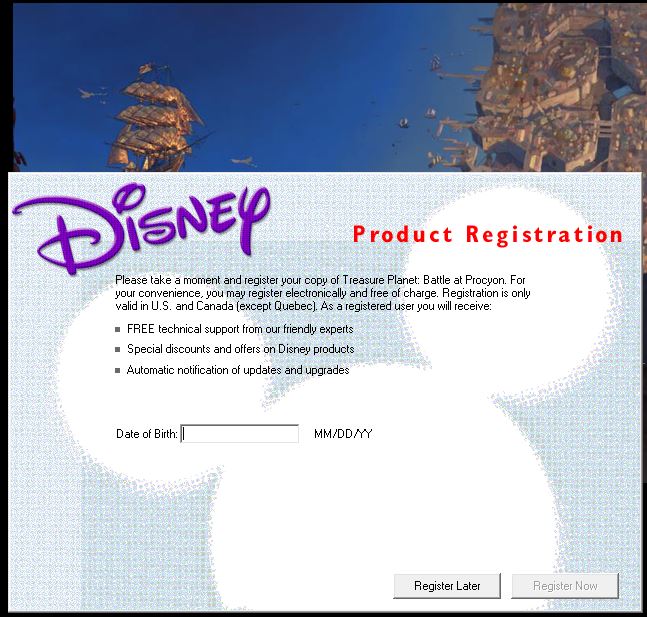
You think they still have technical support experts somewhere?
I'm hoping to try once a day with these uploads of playthroughs. It's not a very long game, but it's a good schedule. I'll try to explain the plot, gameplay mechanics, and other quirks as we go.
I was trying not to make this post too long, so I won't do a full playthrough of the tutorial, but I will explain what you'll probably see on screen. Its an info dump, batten down the hatches.

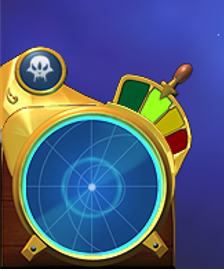
In the lower left, the skull icon shows weapons, useful to show when one is recharged and ready to fire, or if its destroyed. Below the skull is your map, for navigation during longer missions. Finally, the Engine Order Telegraph, basically speed control. The greener and higher, the faster, ending at full stop.
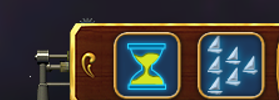
To the left of the middle panel, the pause button (self-explanatory), and the fleet formation command. This allows you to organize your fleet into formations like a column, a line, wedge, etc.

In the gold middle part, on the left is the panic fire. Basically, any weapon that can fire and has a target will shoot at the closest one, useful for being caught in a trap. Dead middle is the ships icon, showing what type of ship you command, and also if clicked, will refocus you on it. This is for when you choose other ships in your flotilla and want to go back to your command vessel.

Now the three bars represent health, combat strength, and solar sails. Health is health. You lose it all, you blow up. Combat strength determines how fast things load, how fast you can repair certain damage, and for the fun stuff, if you can still board and capture enemy ships. Solar sails are how fast you can move. While the engine does get you there, the sails power it. Less sails, less moving. For a ship like a man of war, like the one seen on the cover of the game, this can be shrugged off, but for a little torpedo boat I show in the example, its fatal.

On the right of the panel, speech records, to re-read hints or updates your crew will give, maybe to warn you of a fire on deck or a ship sighting. Mostly useful for the story mode. Lastly, the navigation selector. It's set on single, meaning your ship will follow a path and just that path. click it again, and you can give multiple waypoints.
You still here? Get everything? We're almost done.
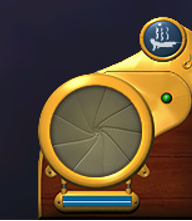
The final panel has the voice recorder, showing whoever's talking, whether it be an important character or a lowly crewman. You'll mostly hear reports on your speed. The final button is the ship bar, showing the ships under your command and letting you take them over in a lesser capacity.
You may have noticed the compass under the ship. That normally has an arrow pointing out where you need to head to for an objective. The name bars on top show when you get close to ships. There's stuff with the cursor, but I've bored you all enough. As a side note, the RLS stands for Royal Light Ship, but the meta reason is that it stands for Robert Louis Stevenson, writer of the original book.
Grab your uniforms and look lively, tomorrow, we start the campaign, where Jim Hawkins starts his final test...
An adaption of Treasure Island in a space setting, while it may have failed at the box office, it won my heart, and the hearts of a smaller, but dedicated fanbase in the Disney fan community/cult. For the most part, people don't really remember Treasure Planet. Even less people remember it had a video game.
Developed by Barking Dog studios, makers of Homeworld: Cataclysm, and later turned into Rockstar Vancouver, the people behind Bully and Max Payne 3, BaP as I will refer to it from now on, is a space RTS game that can be briefly described as "Space Nelsonian combat". Do you like space? Do you like 18th century sailing ships? Do you like broadsides of cannons firing? Well then sit down and get ready for some fun! But first I have to register with Disney.
You think they still have technical support experts somewhere?
I'm hoping to try once a day with these uploads of playthroughs. It's not a very long game, but it's a good schedule. I'll try to explain the plot, gameplay mechanics, and other quirks as we go.
I was trying not to make this post too long, so I won't do a full playthrough of the tutorial, but I will explain what you'll probably see on screen. Its an info dump, batten down the hatches.
In the lower left, the skull icon shows weapons, useful to show when one is recharged and ready to fire, or if its destroyed. Below the skull is your map, for navigation during longer missions. Finally, the Engine Order Telegraph, basically speed control. The greener and higher, the faster, ending at full stop.
To the left of the middle panel, the pause button (self-explanatory), and the fleet formation command. This allows you to organize your fleet into formations like a column, a line, wedge, etc.
In the gold middle part, on the left is the panic fire. Basically, any weapon that can fire and has a target will shoot at the closest one, useful for being caught in a trap. Dead middle is the ships icon, showing what type of ship you command, and also if clicked, will refocus you on it. This is for when you choose other ships in your flotilla and want to go back to your command vessel.
Now the three bars represent health, combat strength, and solar sails. Health is health. You lose it all, you blow up. Combat strength determines how fast things load, how fast you can repair certain damage, and for the fun stuff, if you can still board and capture enemy ships. Solar sails are how fast you can move. While the engine does get you there, the sails power it. Less sails, less moving. For a ship like a man of war, like the one seen on the cover of the game, this can be shrugged off, but for a little torpedo boat I show in the example, its fatal.
On the right of the panel, speech records, to re-read hints or updates your crew will give, maybe to warn you of a fire on deck or a ship sighting. Mostly useful for the story mode. Lastly, the navigation selector. It's set on single, meaning your ship will follow a path and just that path. click it again, and you can give multiple waypoints.
You still here? Get everything? We're almost done.
The final panel has the voice recorder, showing whoever's talking, whether it be an important character or a lowly crewman. You'll mostly hear reports on your speed. The final button is the ship bar, showing the ships under your command and letting you take them over in a lesser capacity.
You may have noticed the compass under the ship. That normally has an arrow pointing out where you need to head to for an objective. The name bars on top show when you get close to ships. There's stuff with the cursor, but I've bored you all enough. As a side note, the RLS stands for Royal Light Ship, but the meta reason is that it stands for Robert Louis Stevenson, writer of the original book.
Grab your uniforms and look lively, tomorrow, we start the campaign, where Jim Hawkins starts his final test...
Last edited:


